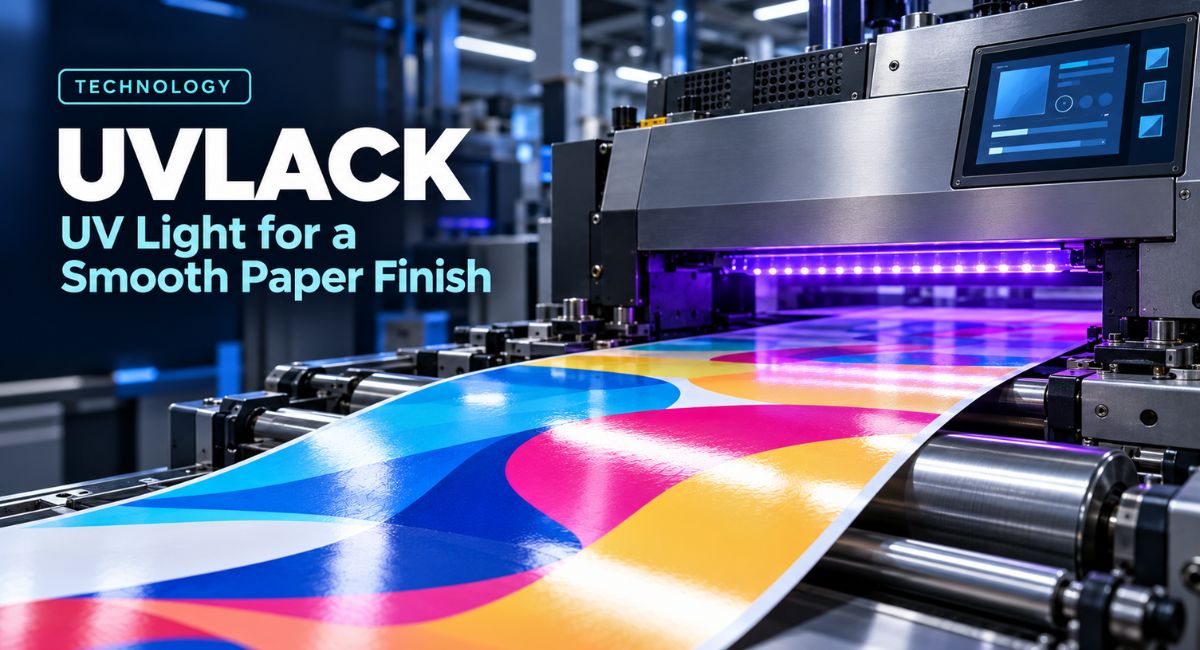
Pick up a glossy postcard and move it under a light. The surface may look almost wet, even though it feels dry. That effect often comes from a clear coating added after printing. In this guide, Uvlack refers to this type of UV-curable varnish. It hardens when exposed to suitable ultraviolet light, creating a finished layer over the print. Understanding the process can help you choose a better finish for business cards, book covers, brochures, and other paper products.
What Does Uvlack Mean in Printing?
The clearer industry terms for this finish are UV coating, UV varnish, and UV lacquer. German printing companies also use the name UV-Lack. These names describe coatings that harden through exposure to ultraviolet light. The coating usually sits over the printed design and changes how the surface looks or feels. It is useful to know these terms when talking to a printer, as the spelling used in online articles can vary.
A finishing coating has a different role from printing ink. Ink creates the words, colours, and pictures. The clear varnish adds a surface layer over them. Some printing systems also use UV-curable inks, but UV ink and UV coating are separate materials. When ordering, explain whether you want a clear finish over your artwork, rather than simply asking for UV printing. That small detail helps the printer understand the result you expect.
How UV Light Changes Liquid Into a Solid Film
The liquid contains light-sensitive ingredients called photoinitiators. When they absorb suitable UV energy, they start a chemical reaction. In common printing varnishes, this reaction joins the coating ingredients into a solid network. Printers call this process curing. Uvlack uses this reaction to form its finished film, rather than relying only on liquid evaporating into the air. With a suitable production setup, curing can happen very quickly.
The UV lamp must suit the coating to produce the right result. The coating must receive the correct type and amount of light. Light intensity and exposure time both matter, along with the match between the lamp and the formula. This is why professional printers follow the coating supplier’s instructions. A bright-looking lamp alone does not prove that the finish has cured properly, and a quick surface check cannot confirm every part of the reaction.
How the Coating Is Applied to Printed Paper
The process starts with artwork printed on suitable paper or card. The printer then applies a controlled layer of liquid varnish. Depending on the equipment, this may happen during the same production run or on a separate finishing machine. The ink, paper, and coating must work together. Some jobs need the ink to dry first, while other approved systems use a different production method. The printer chooses a suitable process for the materials.
After application, the coated sheet passes through the curing stage. The UV source hardens the liquid layer so the job can move towards further finishing. For a booklet order, for example, the chosen Uvlack finish might be added to the outside cover while the inside pages remain uncoated. Always confirm which sides and pages are included. A quote for a coated cover does not necessarily mean that every page receives the same treatment.
Why the Paper Surface Matters
A smooth finish depends on more than the lamp. The paper beneath the varnish also affects the result. A smooth, evenly coated sheet provides a useful base for a glossy layer. Rough or absorbent paper can produce a different appearance because the surface is less even or takes in more coating. A primer, which is a preparation layer, may help in some systems. Its use depends on the paper, ink, and finishing method.
For a Uvlack order, ask to see the finish on the actual paper you plan to use. Do not assume that every uncoated sheet is unsuitable, as specialist screen-printing methods can apply UV varnish to some natural papers. Equally, do not expect every supplier to offer that service. If you like the feel of textured card, discuss whether you want to keep that texture or create smooth areas over selected parts of the design.
Full Coverage and Spot UV Explained
A flood coating covers the whole chosen surface. It is useful when you want the front of a postcard or cover to have a consistent finish. Spot UV covers selected areas instead. For example, the coating might follow a logo, a photograph, or a large heading. Both approaches use a finishing layer, but they create different visual effects. The choice depends on which parts of the design you want readers to notice.
Spot Uvlack can work well when the coated areas contrast with a less shiny background. Imagine a dark business card with a clear gloss pattern over the company name. The pattern becomes more visible as the card catches the light. For your own design, start with one important feature rather than coating every element. This gives the effect a clear purpose and helps you judge whether the extra finish improves the message.
Choosing Between Gloss and Matte Finishes
UV-curable coatings are available in several finishes, including gloss, satin, and matte. Gloss gives a strong shine, while matte creates a less reflective appearance. Some specialist products add raised or textured effects. Therefore, UV curing does not always mean a shiny surface. The formula and application method determine the final appearance. If you want a smooth, flat finish, make that clear rather than choosing a product only because it uses UV light.
When choosing Uvlack, compare samples under the lighting where people will use the printed item. Turn each sample slowly and check both the pictures and the small text. A bright finish may suit a photograph-heavy cover, while you may prefer a quieter effect for a text-led design. There is no single finish that suits every project. Choose the sample that supports your design and remains comfortable to read in its intended setting.
What the Finished Layer Can Protect Against
A suitable, properly cured coating can improve resistance to everyday rubbing and scuffing. This is useful for printed items that pass through several hands or travel through the post. Gloss finishes can also make rich colours and photographs appear more striking. However, the amount of protection depends on the coating, the paper, and the production quality. A clear surface layer does not make the whole printed item impossible to damage.
Uvlack should not be treated as a promise of waterproof paper or permanent colour protection. Cut edges and uncovered areas can still let moisture reach the sheet. The name also refers to the curing method, rather than proving that the print blocks sunlight. If the item will be used outdoors, near water, or in another demanding setting, describe that use to your printer. Ask for a material and finish tested for those conditions.
Planning for Folds and Writing Areas
A hard coating can crack when the sheet is folded, especially if the materials and fold are poorly matched. Folding should therefore be part of the plan before printing starts. Ask how the printer will prepare the fold and whether the coating is suitable for that job. A folded brochure needs a different discussion from a flat postcard. Where possible, check a finished, folded sample rather than approving only a flat sheet.
Writing areas need similar care because many glossy finishes are difficult to write on with ordinary pens. An appointment card, for example, may need an uncoated space for the next visit date. A postcard may need a suitable address panel, and a gift card may need room for a personal message. Tell the printer how those spaces will be used. If writing is essential, test the intended pen on a sample before approving the order.
Preparing Artwork for a Spot Coating
For spot Uvlack, the printer needs a clear guide showing where the varnish belongs. Many suppliers request a separate artwork page or file called a mask. It commonly uses solid black shapes to mark the coated areas, while the normal colour artwork stays separate. The black is an instruction for applying clear varnish, not a request to print those areas in black. Follow your supplier’s file guide because the required setup can vary.
The mask and colour artwork should share the same size and matching positions. Keep important coated details easy to reproduce, as very thin lines and tiny text can cause problems. Small shifts between the print and coating may also make tight outlines look uneven. Ask your printer for its minimum line size, alignment limits, and edge spacing. A simple logo or broad pattern is a useful starting point when you are trying spot coating for the first time.
How UV Coating Differs From Lamination
UV coating starts as a liquid that cures on the printed surface. Lamination uses a separate film bonded to the sheet. Both can change appearance and improve durability, but they are different processes. Film thickness, surface finish, and edge treatment affect a laminated product. For items used around moisture, the printer may discuss sealed edges, where the film extends beyond the paper and closes around it. That protection differs from a thin surface coating.
Choose between the two by explaining how the item will be used. A short-term promotional postcard and a reusable menu do not have the same needs. Ask to compare finished samples rather than judging only from product names. You can also request quotes for each suitable option using the same size, paper, and quantity. This makes it easier to see what you are paying for and whether the extra protection serves a real purpose.
Checking Samples and Common Finish Problems
Examine a sample in daylight and under indoor lighting. Look across the surface for uneven shine, unwanted texture, or areas that do not match the approved example. Check whether the coating lines up with the intended design. Then handle the item as a reader would, opening a cover or folding a brochure. These checks help you describe visible problems clearly, although they do not replace the printer’s own technical quality tests.
Incomplete curing can cause weak scuff resistance, sheets sticking together, or unwanted odours. The printer may need to check lamp performance, production speed, coating choice, or the paper surface. If something seems wrong, report the issue and ask for a technical review. Do not assume that extra time sitting in a pile will solve it. A useful complaint describes what you observed, where it appears, and how the result differs from the sample you approved.
Planning Your Budget and Print Order
Ask for a written quote that identifies the paper, size, quantity, coated sides, finish, and any spot artwork requirements. Confirm whether a physical proof or sample is included and when you need to approve it. If you are comparing suppliers, give each one the same project details. Otherwise, one price may cover a different paper or finishing service, making the comparison less useful. Keep the agreed specification with your order records.
For a first Uvlack project, focus on a clear purpose, such as highlighting a logo or giving a photo cover a consistent finish. Request an alternative quote without the special finish so you can judge the added cost. Also confirm the delivery date for the complete job, including any folding or binding. Fast curing is only one stage of production. A carefully planned order gives the printer a better chance of delivering the result you expect.
Conclusion
Uvlack creates a finished layer by using suitable UV light to trigger a chemical reaction in liquid varnish. A smooth result also depends on the paper, coating formula, ink compatibility, and careful application. Before placing an order, decide where the finish belongs and how people will use the printed item. Compare physical samples, plan any folds or writing areas, and agree on a clear specification with your printer. These choices help turn an attractive finish into a practical one.
(FAQ’s)
1. What is Uvlack used for on printed paper?
In this guide, it means a UV-curable varnish used to add a finishing layer over printed designs.
2. Does UV light alone make paper glossy?
No, a suitable coating must be applied first, then cured with the correct UV light.
3. Can UV coating be applied only to a logo?
Yes, spot UV can cover selected design elements, such as a logo or heading.
4. Is UV-coated paper waterproof?
No, a surface coating does not fully seal the paper or protect every edge from moisture.
5. Can I write on a UV-coated card?
Many glossy coatings are difficult to write on, so leave a suitable writing area and test your pen.
You may also read: Repmold Alternatives and Mold-Making Terms Worth Learning First
Visit for more additional information: Loom Magazine