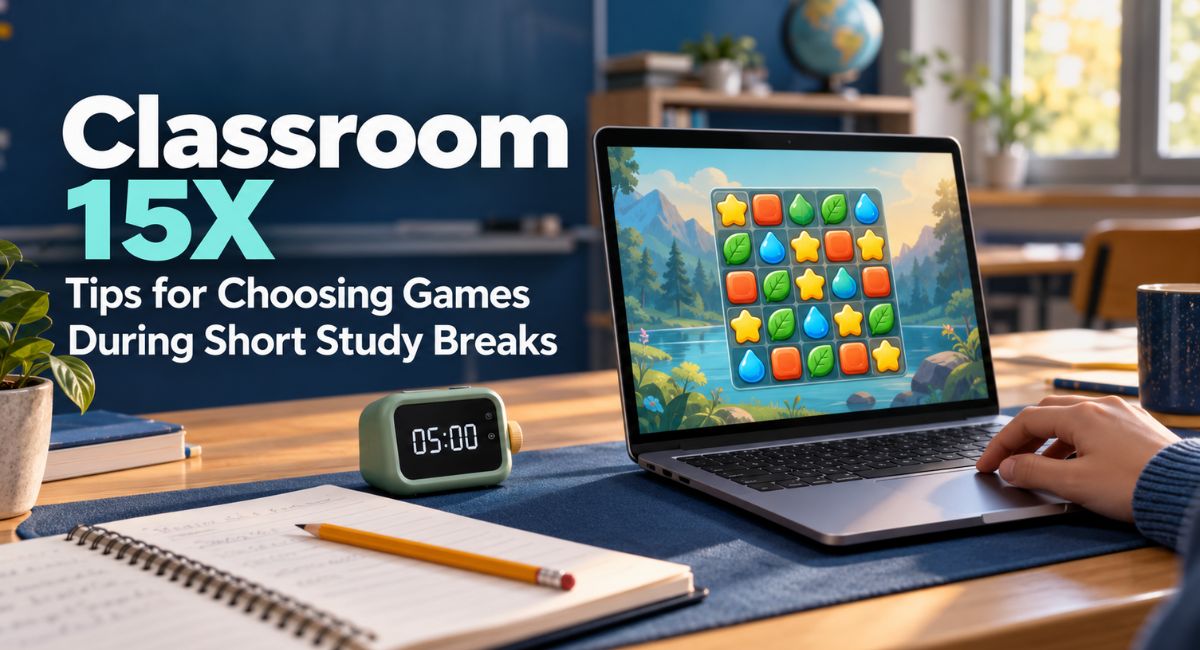
You finish a page of notes, look at the clock, and decide to take a quick break. A browser game sounds like a fun choice, but finding one can use up the whole break. Then a short round turns into another attempt, and your books stay closed longer than planned. Choosing games on Classroom 15X works better when you know what to look for. Simple controls, clear rounds, and an easy place to stop can help you enjoy a little play without losing track of your study time.
What Is Classroom 15X Used For?
Classroom 15X is a website that lists games you can play in a web browser. Its categories include puzzles, arcade games, racing, and multiplayer games. The site presents its games as free to play without downloads, although it also displays adverts. Despite the school-related name, it is a gaming website, so do not assume that every game is part of a lesson or has been approved by your school.
For a study break, the main question is whether a game fits the time you have. A popular title might need a long session, while a simple puzzle could be easier to leave after a few moves. Look at the instructions and the type of challenge before starting. Treat the game list as a place to browse, then make your choice based on your own schedule and interests.
Choose a Game That Fits Your Break
Decide how long your break will last before opening the website. A three-minute gap leaves little room for learning new rules. A ten-minute break gives you more choice, but you still need time to settle back into work. These are planning examples, not rules you must follow. Use the time available between your study tasks to decide whether a game is a practical choice.
If you have only a few minutes, choose something familiar with one clear goal. You might complete a small puzzle or try one short level. Save games with long stories, many upgrades, or several stages for your free time. Also remember that loading and reading instructions are part of the break. A game that takes four minutes to understand will not fit comfortably into a five-minute pause.
Start With Simple Controls
Controls can make a big difference when choosing Classroom 15X games. For a short session, look for an instruction you can understand quickly, such as clicking to move or using one key to jump. Read the control guide before pressing play. A game that needs several keys, careful timing, and a long practice round may be enjoyable, but it asks more from you at the start.
Try the first few moves without worrying about your score. If the controls feel awkward, choose another game instead of spending the whole break learning them. For example, a mouse-based game may feel easy at a desk but difficult on a small trackpad. The simplest option is the one that works comfortably with your setup. You do not need to master a new skill during every break.
Pick a Game You Can Pause or Leave
A useful break game gives you a clear place to stop. This might be the end of a level, a finished puzzle, or a pause button that works as expected. Check this early, especially if you have not played the game before. Some games keep moving while you read a menu, and others restart when you close the page. Do not assume that your progress will be saved.
Being able to leave matters more than finishing everything. If a game lets you stop between moves, you can return to your notes when your break ends. If it needs constant attention, decide whether one round will fit before starting. Avoid making your study schedule depend on winning. A difficult level can take far longer than you expect, even when its controls seem easy.
Try Puzzles Without Turning Them Into Homework
Puzzle games can suit a short break if you enjoy a slower pace. The puzzle section on Classroom 15X includes number and block games, including 2048. In 2048, matching numbered tiles combine into larger ones as you move them around the board. That gives you a simple action to try without following a long story. However, reaching a high tile is not necessary for a brief session.
Use a small limit, such as a few moves, rather than trying to finish a long puzzle. If you have just worked through difficult maths problems, another number task might feel like more work. You may prefer a light arcade game or time away from the screen. Choose according to how you feel. Playing a puzzle does not automatically make a break educational or improve your marks.
Use Arcade Games for Short Rounds
Arcade and action games can offer a different kind of break when you want movement rather than another thinking task. Stickman Hook, which appears on the site, involves swinging a character through levels using hooks. Its instructions list the mouse or space bar as controls. This is an example of a game with a simple input, although getting the timing right can still take practice.
Before choosing an arcade game, watch how a round ends. A short level gives you a useful stopping point, while an endless run can keep going until you fail. Set your limit before the first attempt. For example, allow yourself two tries, then close the game. If losing makes you want to restart again and again, that title may be a better choice for a longer period of free time.
Check Loading Time Before You Commit
A short break should not disappear into loading screens. Give a game a reasonable chance to open, but move on if the page stays blank or feels too slow to use. Performance can vary with your device, browser, internet connection, and the game itself. Having one familiar backup choice saves you from searching through many pages while the clock keeps moving.
If a game does not work, a single refresh may be enough to check whether the problem is temporary. Close extra game tabs if you have opened several. Keep your study document safe before making changes to your browser. Avoid turning a five-minute break into a long repair job. You can investigate an ongoing loading problem later, when there is no study task waiting for your attention.
Match the Game to Your Device
Choose a game that fits the device in front of you. A laptop keyboard suits arrow-key controls, while a touch screen needs buttons that are easy to reach. A page opening on your phone does not prove that every game will play well there. Check whether the controls fit the screen and whether you can read the instructions without zooming in repeatedly.
On a Chromebook or shared school computer, follow the rules for that device. The word “unblocked” does not guarantee that a website is allowed or available on your network. If access is restricted, choose another break activity. At home, you can still make things easier by using a game that runs well on your current setup, rather than changing settings just to fit in a quick round.
Make Multiplayer Plans Before Starting
Playing with a friend can be enjoyable, but multiplayer games need a little more planning. You may have to wait for someone to join, choose a room, or finish a match before leaving. Those steps can take longer than the actual play. For a short break, agree on the time available first and choose a game that both of you already understand.
A shared-device game may be easier to arrange than an online match with several players. Even then, check that each person has enough space to use the controls comfortably. Agree to stop after one round or when the timer ends. If your friend wants a longer session, save it for later. Your next study task should not depend on everyone else being ready to leave.
Choose Content That Fits Your Setting
Look beyond the game title when browsing Classroom 15X. Read the description and check the images to see whether the content suits your age and surroundings. A school-related website name is not a substitute for checking an individual game. If you are in a shared study room, consider sound as well. Loud music or effects may disturb someone who is still working.
Notice the difference between the game area and adverts around it. Avoid entering personal details or downloading a file simply because a message says it is required. If a page sends you somewhere unexpected, close it and review your choice. Younger players can ask a parent or teacher when unsure. These checks should support a simple decision about what to play, without turning the break into a long search.
Keep a Small List of Games That Work for You
Once you find a few games that fit your breaks, keep their names in a short personal note. You might choose one calm puzzle, one simple action game, and one option for playing with a friend. This reduces the time spent browsing and gives you a choice for different moods. A small list is usually easier to use than a collection you rarely check.
Build that list from your own experience with Classroom 15X. Notice whether each game opens reliably, has clear controls, and is easy for you to leave. A popular game is not automatically the right match for your routine. If a favourite regularly stretches your break, remove it from your study list. You can still enjoy it later when you have more time and fewer tasks waiting.
Make Returning to Study Part of the Break
Before you open a game, write down the next small piece of work you will do. For example, you could plan to answer question four, read the next page, or check one paragraph of an essay. Leave the correct book or document ready. This gives you a clear action after play, so you do not spend more time deciding where to begin.
Set a timer and stop when it rings, even if your score feels unfinished. Close or leave the game, then begin the task you wrote down. If gaming makes that return difficult, try a different break next time. You could get some water, walk around the room, or talk briefly with someone at home. A useful routine is one you can repeat without regularly delaying your work.
Try a Simple Five-Minute Break Plan
Imagine that you have finished a section of revision and planned a five-minute pause. Before opening Classroom 15X, note the next task and start your timer. Choose a game you already know, rather than searching for a new favourite. Use the first part of the break to play a short round, leaving a little time to close the page and get ready for your notes.
If the game loads slowly or the round runs longer than expected, keep the original end time. You do not need to add extra minutes to make up for waiting. After the break, consider whether the game fitted your plan. If it did, keep it as an option. If it did not, change the game or choose a different activity next time. This small check helps you build a routine based on what actually works for you.
Conclusion
The best Classroom 15X game for a short study break is one you can understand quickly, play comfortably, and leave on time. Check the controls, the length of a round, and the content before making your choice. Keep a few reliable options and prepare your next study task before you start. You do not need a high score to enjoy a break. A small amount of play that fits your schedule is enough.
(FAQs)
1. What Is Classroom 15X?
It is a browser game website with categories such as puzzles, arcade games, racing, and multiplayer games.
2. Which Games Suit Short Study Breaks?
Choose games with simple controls, short rounds, or a clear place to pause and stop.
3. Can I Play Classroom 15X Games on a Phone?
Some games may suit touch screens, but check the controls because compatibility varies.
4. Does “Unblocked” Mean a Game Is Allowed at School?
No, school rules and network restrictions still apply, regardless of how a website describes itself.
5. How Can I Avoid Playing Longer Than Planned?
Start a timer before browsing and decide when to stop before your first round.
You may also read: What Wifekivers Means and How to Understand It in Relationships
Visit for more additional information: Loom Magazine