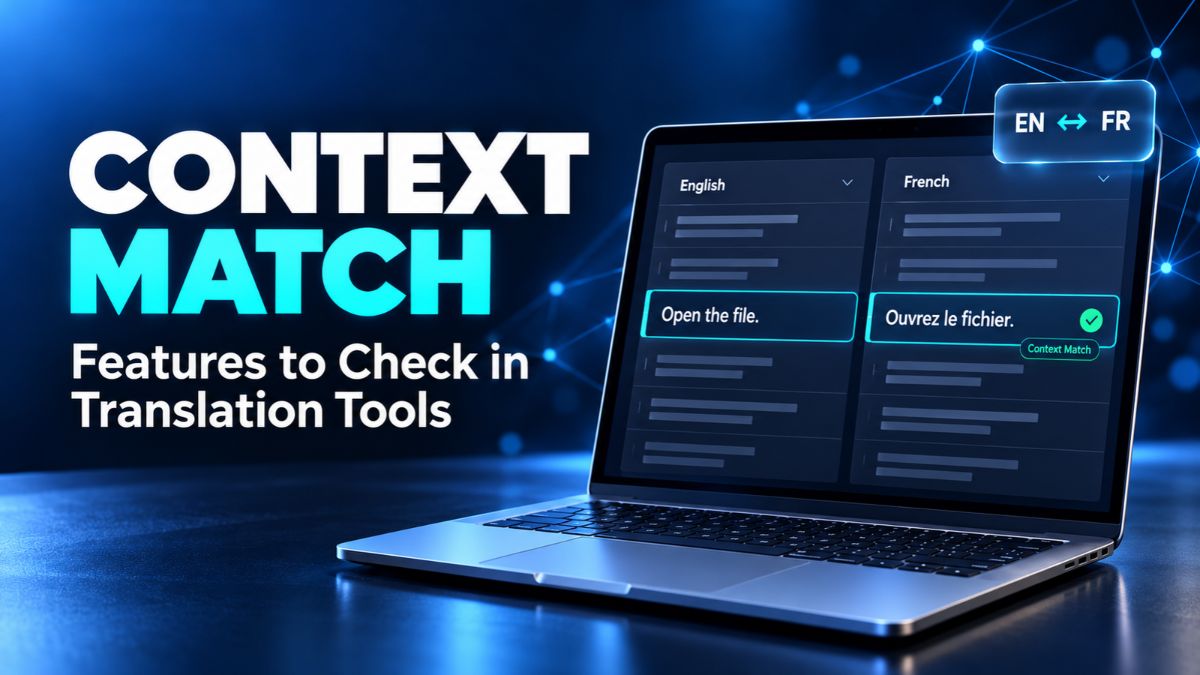
The word “Open” can mean different things on a website. It might appear on a button that opens a file or a label showing that a shop is open. Reusing the same translation in both places could create a mistake. Context Match helps translation software check whether saved wording comes from the right setting. However, tools handle this check in different ways. Before choosing one, look beyond the match score. The features that matter include how the software stores context, handles file changes, shows competing translations, and lets people review reused text.
What Context Match Means in Translation Software
A Context Match occurs when a source segment matches an entry in a translation memory and the required context also matches. A segment is usually a sentence or a short piece of text. A translation memory, often called a TM, stores source text together with its translation. The software searches these saved pairs when you work on another document, helping you reuse earlier work.
An exact match usually means the source text is identical, without confirming the same context. A fuzzy match means the wording is similar but has differences. Context checks add information about where the text appears. They do not prove that the saved translation is correct. An old spelling mistake or an outdated product name can still be reused if nobody corrects the memory.
Matching Rules That Fit Your Files
Start by asking what the software considers to be matching context. Trados Studio, for example, uses the segment sequence and the translation of the preceding segment in its documented matching rules. Other systems may check the source segments on both sides or use a saved identifier. These are different methods, so a feature with a similar name may behave differently across tools.
Choose Context Match rules that suit the files you translate most often. A user manual has a clear reading order, while a software file may contain separate labels with unique keys. Ask the provider to demonstrate both types if your work includes them. A useful demonstration should explain why a result qualifies for the stronger match and what happens when the surrounding text changes.
Clear Match Labels and Scores
A Context Match score needs a clear explanation. In memoQ, 101% identifies an exact match with matching context. A 102% result can mean that both the surrounding segments and the identifier match. These numbers describe match categories. They do not mean that a translation is more than 100% accurate, and they should not be treated as a universal scoring scale.
Look for labels that are easy to understand inside the editor. You should be able to tell a saved translation apart from a machine translation suggestion. Also check whether the tool explains score penalties or competing results. If a score drops, the reason should be visible. Clear information helps translators make decisions without repeatedly opening separate settings or help pages.
A Useful View of the Surrounding Text
The software may check stored context automatically, but a translator still needs to understand the current document. Look for an editor that makes nearby sentences easy to read. A document preview, comments, or reference images may also help, depending on the file type. These features give people more information than a short source segment alone can provide.
During a trial, search for a short phrase such as “Free space.” In one place, it may describe available storage. In another, it could ask someone to make room. Check how easily you can understand each use. A tool may return a technically strong result while showing too little background for a person to judge whether the wording fits.
Stable IDs for Software and Website Text
For software translation, also called software localisation, unique IDs can be more useful than sentence order. An ID is a label attached to a specific piece of text, such as a menu command. In tools that support this method, the same source wording and matching ID can help identify the earlier translation, even when entries appear in a different order.
Test what happens when a developer moves a label, changes its key, or reuses a key elsewhere. An unchanged ID does not guarantee that the purpose of a button remains unchanged. Ask whether translators can see comments or screenshots alongside the label. Good key management and clear reference material work together, especially when short English words need different translations in different places.
Context Match Settings for File Imports
File support means more than being able to open a document. The import process must also capture the information needed for matching. Check your actual Word documents, spreadsheets, and software files. For a spreadsheet, ask whether a column can supply the ID. For structured files, check whether the correct key is being read rather than assuming the default settings will work.
Phrase TMS, for example, allows context types to be selected through file import settings. Its options include nearby segments and segment keys. Changing a setting does not automatically rewrite the context stored in older memory entries. This makes a practical question essential: how will the tool handle your existing translations when you change the way files are imported?
Clear Handling of Multiple Translations
Sometimes a memory contains several translations for the same source wording. They may belong to different contexts, customers, or stages of a project. The editor should make competing suggestions easy to compare. Look for useful details such as the memory name, available dates, and stored project information. These details help a translator understand why different versions exist.
Ask what happens when several strong suggestions qualify at once. Phrase TMS offers a setting that lowers multiple competing 101% results to 100%, which can prevent automatic reuse at a 101% threshold. Other tools may handle this differently. The important point is to test whether the software brings the choice to your attention before inserting an unsuitable version.
Control Over Automatic Reuse and Review
Automatic reuse can save effort on repeated content, but you need control over it. Ask whether inserting a saved translation, confirming it, and locking it are separate actions. These actions affect how much attention a reviewer gives the text. A visible suggestion is easier to assess than wording that has already been marked as finished without a clear project rule.
Set review rules around the content you produce. A repeated navigation label may need less attention than a changed customer instruction. For important wording, keep a review step even when the text receives a strong match. During testing, check whether reviewers can find reused segments, reopen them, and make corrections without breaking the rest of the project workflow.
Terminology and Quality Checks Alongside Matching
Context Match works best as part of a wider review process. A term base stores approved words and phrases, while a translation memory stores pairs of text segments. Ask whether the tool can compare reused text against current terminology. This matters when a business changes a product name or replaces an older expression across its website and documents.
Also test checks for numbers, missing text, formatting tags, and placeholders. A placeholder is a marker that software later replaces with a name, amount, or other value. Try a sample containing an incorrect number or a missing marker. See whether the software reports the problem, including when the translation came from memory. Matching and quality checking serve different purposes, so assess both.
Moving Translation Memories Between Tools
Check what happens to Context Match data when you change platforms. TMX, short for Translation Memory Exchange, is widely used to move saved translations between tools. However, transferring the source and target text does not guarantee that another tool will understand the stored context. memoQ states that context from foreign TMX files cannot be converted into its own context information.
Before moving a large memory, run a small export and import test. Use entries that you know produced strong results in the original system. Check their scores and available context after import. Ask the provider whether keeping bilingual project files would help preserve useful information for a move. Keep a separate backup, and include any extra setup work when comparing the cost of changing tools.
Easy Editing and Memory Maintenance
A translation memory needs care as projects change. Look for ways to search entries, correct old wording, and manage unwanted duplicates. Check whether you can narrow a search by customer, project, or date where those details are available. A large database is less useful if finding and fixing a known mistake takes too much time.
Test a correction from beginning to end. Change an outdated term, save the entry, and open another document that contains the same source text. Confirm which version appears. Also ask whether correcting a memory updates existing project text or only affects later suggestions. Knowing this difference helps prevent a team from believing that one edit has fixed every copy.
Team Access and Project Separation
Shared memories help teams reuse approved work, but access should fit each person’s role. Ask who can search, add, edit, export, or delete entries. Matching features do not replace these controls. If an unsuitable translation enters a shared memory, matching rules may help it appear again. Clear responsibilities make it easier to keep the stored content useful.
Keep customer and subject needs in mind when connecting memories to projects. Two clients may prefer different wording for the same service. Test whether the editor shows which memory supplied a suggestion and whether project managers can choose the right resources. For online systems, also check how translators work during connection problems and how their changes return to the shared project.
Useful Reports and Realistic Cost Estimates
Project reports should make the amount of repeated, changed, and new text easy to understand. Ask what each match category includes and whether settings affect the totals. A report is more useful when you can connect its numbers to actual segments in the document. This makes it easier to discuss workload with translators, reviewers, and customers.
A high Context Match total may suggest less rewriting, but it does not show every task involved. Import setup, terminology changes, review, and final layout checks can still take time. Compare tools using the same sample files and similar settings. If a trial produces a lower estimate, check what caused the difference before treating it as a reliable saving.
How to Test Context Match Before You Buy
Build a small trial using two versions of a real document. Translate and approve the first version, then store the results. In the second version, leave some passages unchanged, edit nearby sentences, move a paragraph, and change a number. If you translate software, include repeated labels with different IDs. These changes help reveal which information the tool actually uses.
Run the second version with the same memory and examine the results. See which entries receive stronger scores, which become ordinary exact matches, and which need editing. Record any confusing suggestions and ask the provider to explain them. Finally, complete the review and export the finished file. The best trial measures the full job, including the effort needed to correct and deliver it.
Conclusion
The best Context Match features help you reuse suitable translations while keeping the reasons for each suggestion clear. Focus on matching rules, file imports, stable IDs, competing results, review controls, and memory transfers. Test these features with your own documents and language pairs before making a choice. A tool that explains its results and fits your everyday work is more useful than one that simply displays a higher score.
(FAQ’s)
1. Does Context Match guarantee a correct translation?
No, the saved wording may still contain mistakes or outdated terms.
2. What does a 101% score mean?
In tools such as memoQ, it means the source text and its required surroundings match.
3. Can I move my translation memory to another tool?
Often yes, but context information may not transfer in a usable form.
4. Is translation memory the same as machine translation?
No, a memory reuses stored translations, while machine translation generates text automatically.
5. What should I test during a software trial?
Use real files with unchanged passages, moved text, changed details, and repeated labels.
You may also read: Labarty Review What to Expect From Its Articles and Tech Guides
Visit for more additional information: Loom Magazine