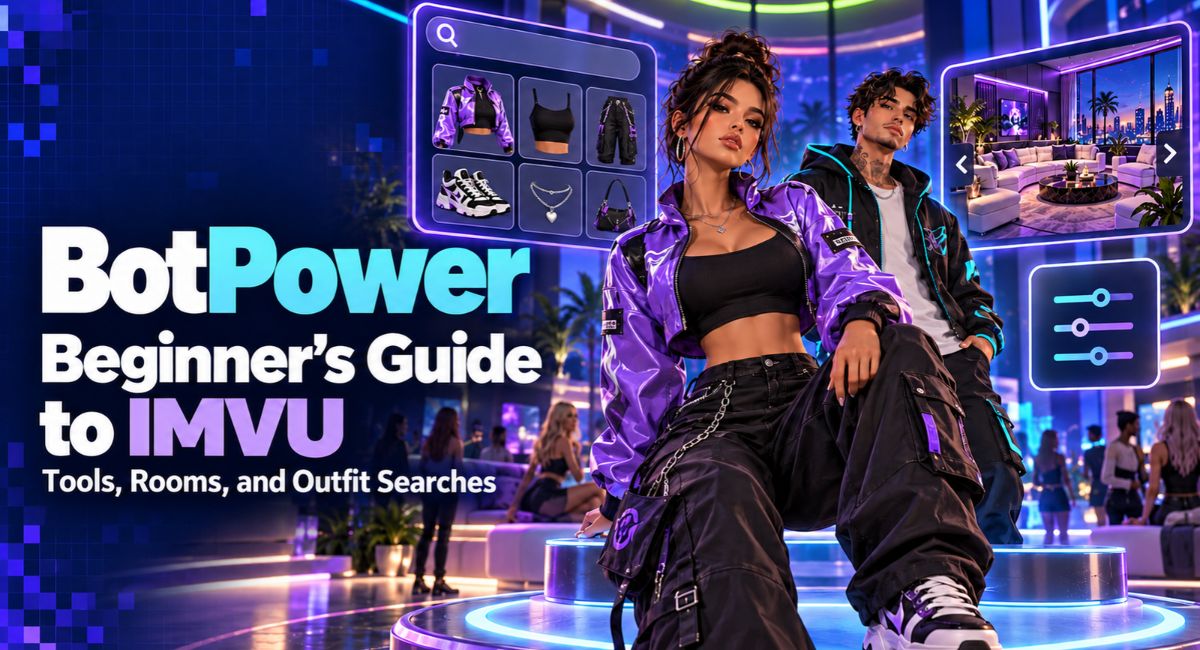
You spot an outfit you like in IMVU, but you have no idea where to find the jacket. Later, you want to look into a room and feel unsure about which search tool to open. BotPower may come up while you look for answers. It brings IMVU tools together, with both free and paid options. This guide explains the main choices, how to approach room and outfit searches, and what to check before spending money. You will also learn how to read results carefully and keep your account details private.
What Is BotPower?
It is a third-party toolkit for IMVU. Its terms state that it is not connected with IMVU or Together Labs. That matters when you need help with an account, a purchase, or a technical problem. Keep the two services separate when deciding where to seek support.
Think about the information you need before choosing a tool. Finding a clothing item is a shopping task. Looking for room design ideas is a different task. A useful starting point is a clear question, such as “Who made this jacket?” or “What style of room would suit my party?” This makes it easier to choose a relevant feature.
Getting Ready for Your First Search
Before your first BotPower search, decide what a useful result would look like. You might want one product name, a creator’s name, or details about a room you already know. Start with your own account or information that someone has agreed to share. Keep any known names or item details nearby so you can copy them accurately.
Read the labels on the search screen before entering anything. Check whether the field asks for a username, a number, or another detail. Do not guess that every tool accepts the same input. If the screen gives an example, follow its format. Begin with one clear search and review the response before trying several changes.
Understanding Room Lists and Room History
BotPower lists Room List and Room History among its free tools. When reading room information, pay attention to whether the result describes an earlier record or a current search. Check any date, time, room name, or account detail that appears. If no time is shown, avoid treating the result as proof of what is happening right now.
For example, imagine you are trying to remember a room where you attended an event. Compare any result with details you already know, such as the event name or its date. A room name alone may not settle the question. Use the information to narrow your search, then confirm the match through details you can check yourself.
Turning Room Research Into Design Ideas
Room research can start with a simple design goal. Perhaps you want a small café with warm colours and space for a few friends. Write down the parts that matter to you, such as seating, lighting, and open space. When looking at rooms you are allowed to view, notice how those parts work together. This gives your browsing a clear purpose.
For your own room, you can continue the work inside IMVU. On the website or Desktop app, owned rooms are available through Chat and then My Rooms. Selecting a room and choosing Decorate opens the room editor. Try arranging a few items first, then check whether the space suits your planned activity. Keep notes about ideas that fit your budget.
How Outfit Searches Can Help
BotPower separates its free Outfits tool from the paid Outfit Search feature. Before paying, check whether a feature helps you view an outfit or search for a particular item. Read the instructions to see what information you need to begin. This helps you judge whether the tool fits the clothing question you are trying to answer.
An outfit may include several pieces that are easy to confuse. Focus on one item, such as a jacket, hairstyle, or pair of shoes. Note its colour, shape, and any clear pattern. If a result provides a product name or item number, record that detail. If it only looks similar, keep looking before deciding that you have found the exact match.
Checking Items in the IMVU Catalog
The IMVU catalog lets you search by product name, creator, or Product ID. You can also use keywords and filters to narrow the results. A Product ID is a number that identifies an item. When you have one, compare it carefully with the product you open. This is especially helpful when several items have similar names or pictures.
Open the product details and check the creator, price, and description before buying. Use the try option where available to see how the item works with your avatar. For example, a jacket that looks right in a small image may not suit the rest of your outfit. Save promising choices to your wishlist so you can compare them without rushing.
BotPower Free and Paid Plans
At the time of writing, the free plan includes basic room, profile, and outfit tools. Plus is advertised at 15 tokens for 30 days, with features including Inventory Viewer, Outfit Search, and Live Tracker. Premium is listed at 20 tokens for 30 days and adds Catalog Viewer and Newest Creators. Check the current plan details before making a purchase.
Choose access around a task you expect to complete. If you only want to try a basic lookup, start with the free options. If a paid feature seems useful, check what it accepts, what it returns, and how long access lasts. A larger feature list is only valuable when you have a reason to use the extra tools.
Understanding Tokens Before You Pay
Before buying tokens, check how much money the required amount will cost at checkout. Write down the full amount you would spend and the period of access you would receive. If you need a token bundle, consider whether some tokens would remain unused. Compare that total with your budget for the task, especially if you only plan to search once.
Read the purchase terms as well as the plan description. The listed terms require buyers of digital goods to be at least 18 and describe those sales as final and non-refundable. They also say prices and availability can change. Ask about any unclear feature before paying, and keep your receipt and a record of the offer you chose.
A Practical Outfit Search Example
Imagine a friend agrees to help you find a blue jacket from their outfit. Ask whether they already know its name or creator. If they do, use that information in the IMVU catalog first. If you still need help, choose a suitable outfit tool and read its instructions. Enter only the information requested, then check any item details returned.
Suppose you find two similar jackets. Compare their product numbers, creators, and previews rather than choosing from colour alone. Try each available option with the clothes you already own. You may find that one works better with your usual style. This approach gives the search a clear finish: you have identified and checked an item that meets your needs.
Checking Your Own Inventory First
Before buying an item, look through your own IMVU inventory. It holds products you have purchased or received as gifts. On the Classic website, you can search your inventory by product name or developer name. If you remember part of a name, try that first. You might find the item you wanted without needing another purchase.
This is also useful when building a look around something you already own. Start with a jacket or pair of shoes, then search for a matching item. Keep a short note of names you often forget. For example, record the creator and product name of your favourite boots. A few clear notes can make later outfit planning much easier.
Reading Search Results With Care
A result deserves a closer look before you use it to make a decision. Check whether the details actually answer your question. A similar username may refer to someone else, while a familiar product image may still need checking. If the result includes a date or item number, compare it with what you know. Treat missing details as a reason to check further.
Be especially careful when a search involves another person. A room entry or outfit record should not become a reason to accuse, embarrass, or pressure them. If you need to understand something about a shared event, ask the person directly. For shopping and design tasks, keep your attention on the item or room details that are relevant to your goal.
Keeping Your IMVU Account Safe
Keep your IMVU password private when using any outside service. Enter it only through the official IMVU login process, and check the browser address before signing in. Be careful if a link unexpectedly asks you to log in again. A familiar logo or page design is not enough to show that a login page is real.
Enable two-factor authentication on your account for an extra layer of protection. If you believe you entered your password on a false page, change it through IMVU and contact official support. When asking for help, describe the problem without posting passwords, login codes, or full payment details. Share account information only through the appropriate private support process when it is needed.
What Safelist Protection Covers
BotPower advertises Safelist Protection as a paid way to limit lookups of selected usernames within its own tools. The offer states that this protection does not cover other tracking websites. Read the current coverage before deciding whether it meets your needs. Keep that limit in mind when comparing it with other steps you take to protect your privacy.
Review what you share on your profile and in public conversations too. Think about whether a photo, message, or repeated detail reveals more than you intended. If someone is bothering you, keep evidence of the behaviour and use the relevant reporting options. Paying for a privacy feature should be a considered choice based on its stated limits and your own situation.
Handling Searches That Do Not Work
If BotPower returns no result, start by checking your input. Look for an extra space, a spelling mistake, or a number entered in a name field. Read any error message before trying again. Also check whether the feature requires a different plan. An empty response alone does not tell you which of these issues, if any, caused the problem.
If you need support, write a short description of what you tried and what happened. Include the tool name and the error wording, while removing personal details from any image you share. For a shopping task, you can continue with the official catalog using information you already have. For an IMVU account or purchase issue, use IMVU’s support channels.
Conclusion
BotPower is easier to approach when you begin with a clear room or outfit question. Try the relevant free tools, check item details in the IMVU catalog, and review costs before choosing paid access. Take care with personal information and avoid drawing firm conclusions from unclear results. A successful search should help you identify something useful, make a better shopping choice, or develop a room idea with confidence.
(FAQ’s)
1. What Is BotPower Used For?
It offers third-party tools for IMVU room, profile, outfit, and product research.
2. Is BotPower an Official IMVU Service?
No, its terms state that it is not connected with IMVU or Together Labs.
3. Can I Use the Tools for Free?
Some basic tools are free, while selected features require paid access.
4. How Can I Check an Outfit Item?
Search its name or Product ID in the IMVU catalog and review the details.
5. Does Safelist Protection Stop All Tracking?
No, its stated coverage does not extend to other tracking websites.
Visit for more additional information: Loom Magazine